Google Pay™

Ready to tap to pay?

Learn how to add your CIBC Caribbean Card to Google Wallet

How to add your CIBC Caribbean Card to Google Wallet

Getting started with Google Pay is simple.

You can add your CIBC Caribbean Visa Debit and Visa and Mastercard Credit card directly through the Google Wallet app on your Android phone or smartwatch. Follow the steps below to set up your card and start tapping to pay. Card setup for Google Pay is directly within the Google Wallet app.
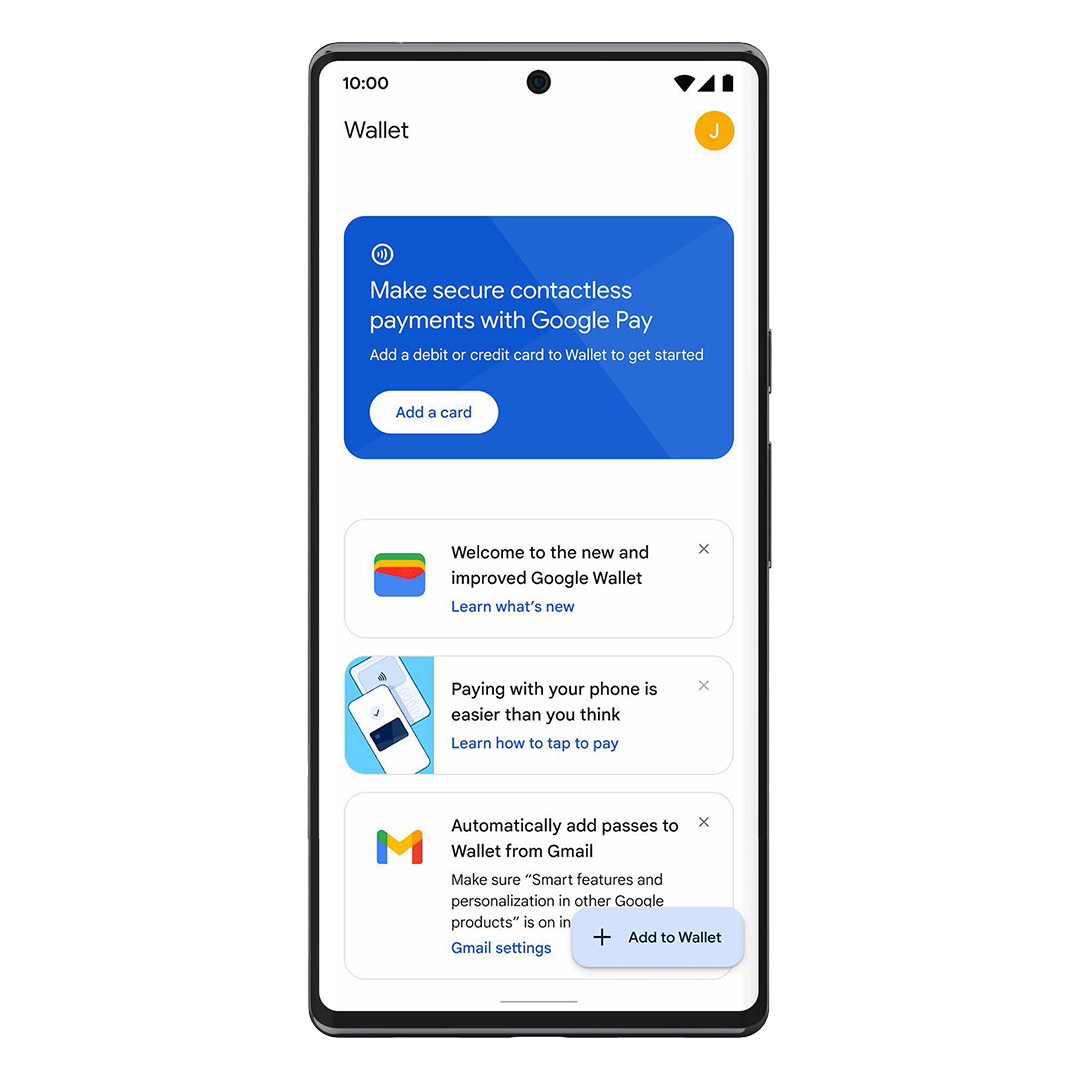
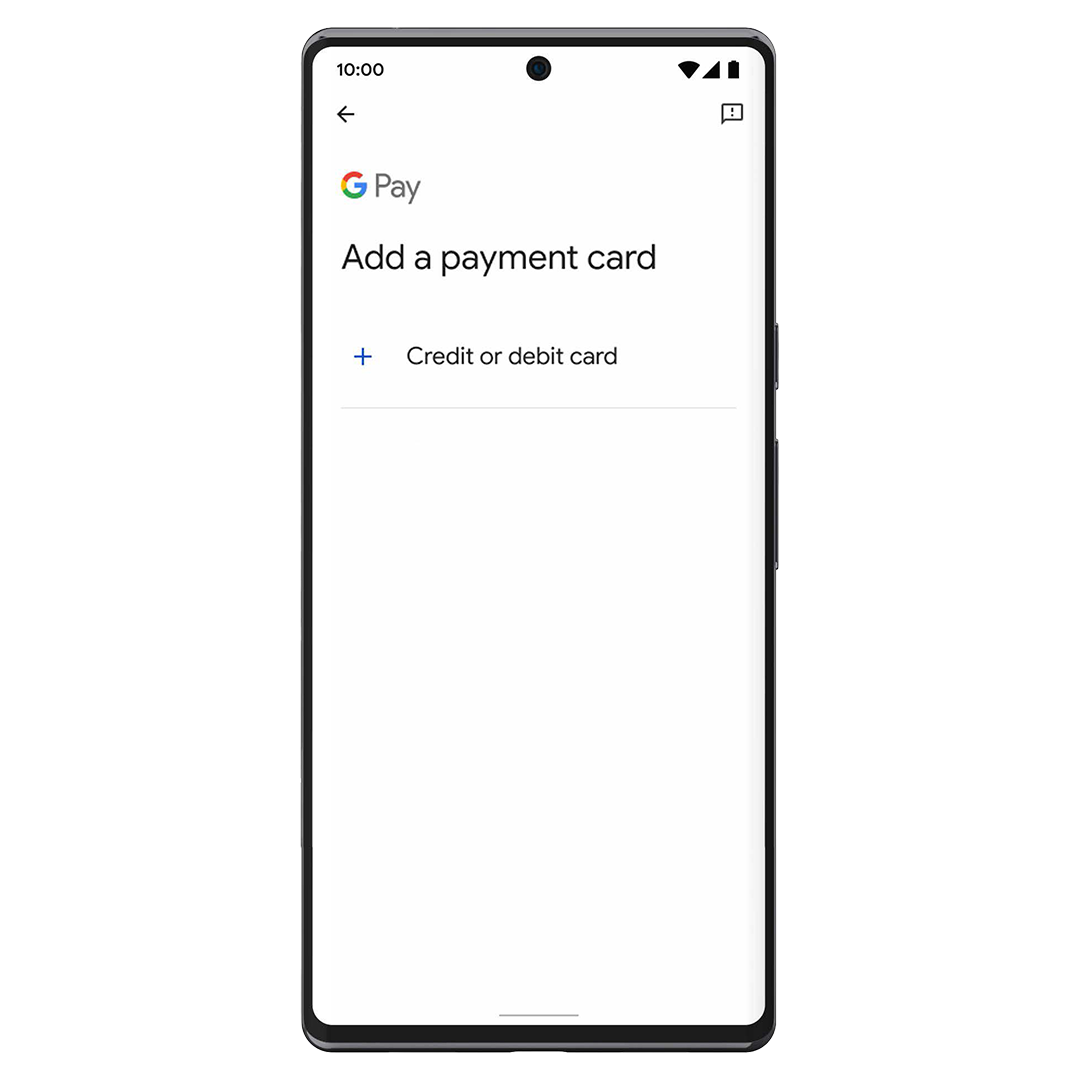
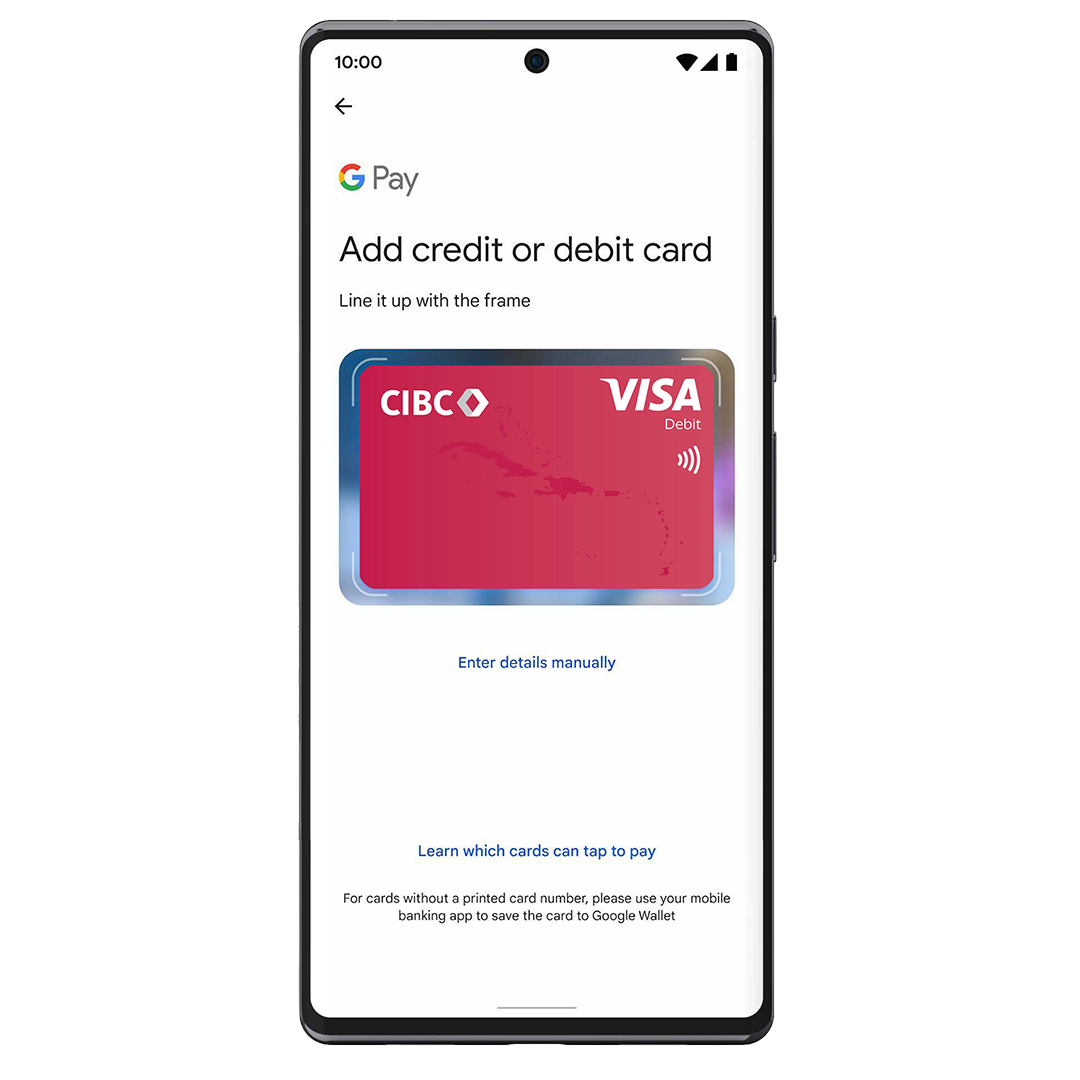
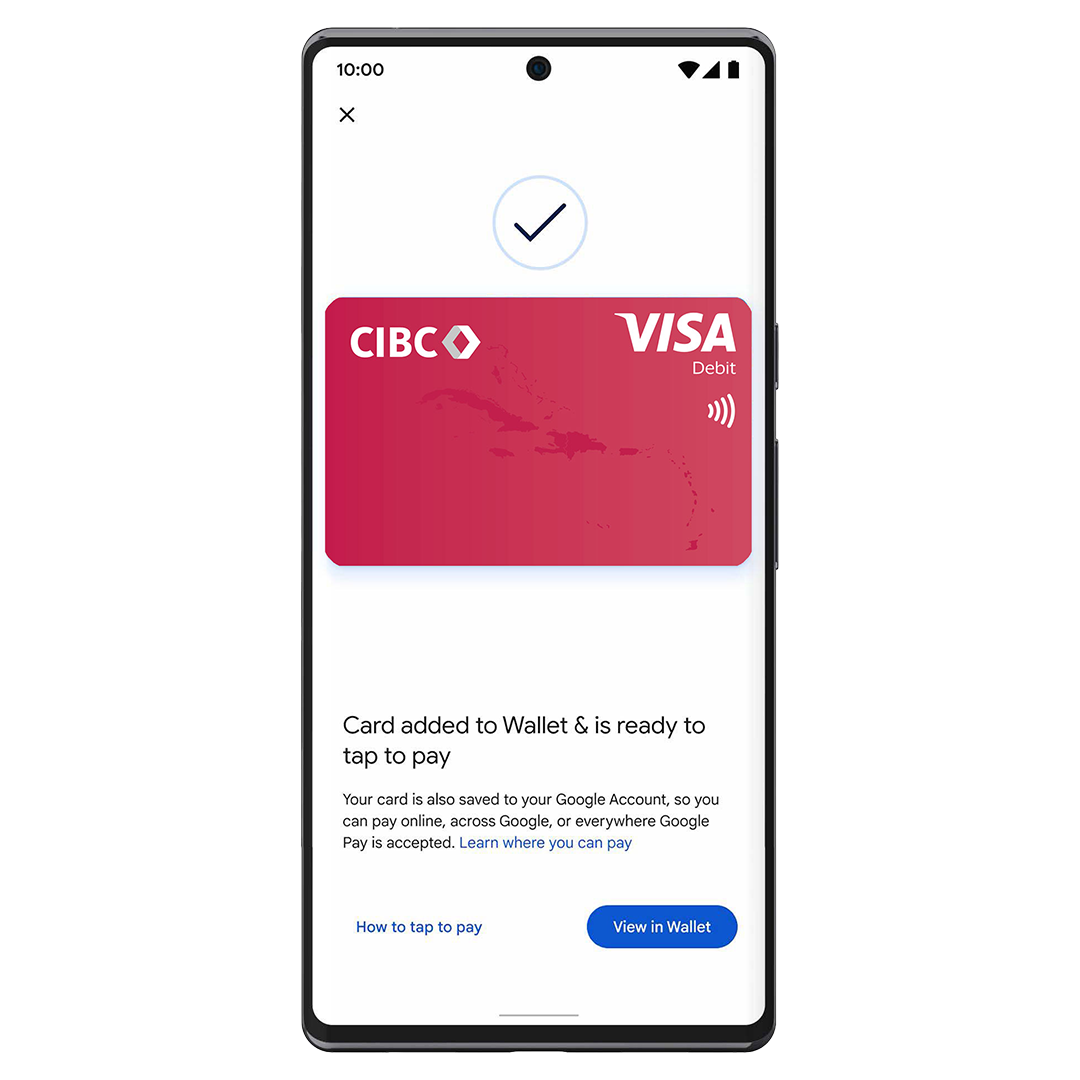
Add Your Card on your Android Phone


Open Google Wallet


Open the Google Wallet app on your Android Device


Tap “Add to Wallet”


Select Add to Wallet or tap the + icon to add a new card


Enter your card details


Follow the prompts to enter your CIBC Caribbean Debit or Credit card information


Verify your Card


Complete the verification process as instructed. Once approved, unlock your phone and hold it near a contactless terminal to pay.


Add your CIBC Caribbean Card on a Compatible Smartwatch

If you have a compatible smartwatch connected to your Android phone:


 Open Google Wallet on your watch
 Tap Get started
 Follow the prompts on your device


Eligibility & Device Requirements

Google Pay is currently available for eligible CIBC Caribbean cardholders in:

  • Barbados
  • Jamaica for Visa and Mastercard Credit cards only

To use Google Wallet and Google Pay, you’ll need:

  • An Android device running Android 9.0 or higher
  • The Google Wallet app installed

Questions on Google Play? Learn more here


You are now leaving cibccaribbean.com

You have selected a link that will take you to a site maintained by a third party who is solely responsible for its contents.

CIBC Caribbean provides this link as a service to website visitors. CIBC Caribbean is not responsbile for the privacy policy of any third party websites. We encourage you to read the privacy policy of every website you visit.

Click 'cancel' to return to CIBC Caribbean's site or 'continue' to proceed.