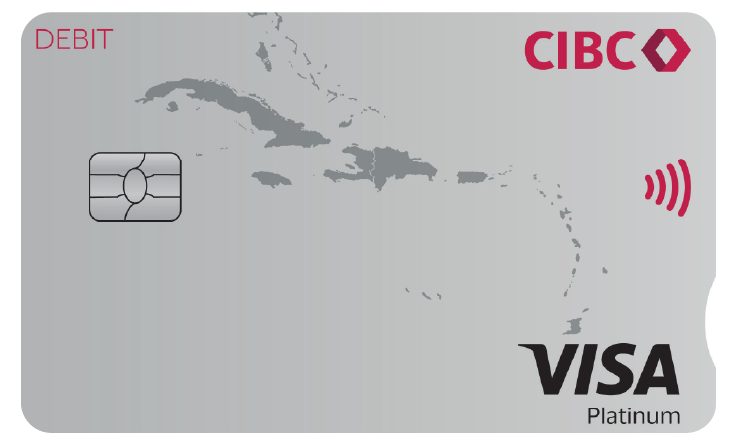
*Foreign exchange limits apply to Barbados and Trinidad clients
† 100% online account opening for eligible applicants only. Must be a new CIBC Caribbean account holder.

How do you open an account with us?
| Find out what you need | Account Opening Requirements | |
| Register for Online Banking | Register here > | |
| Download our Mobile Banking App |
Manage your Visa Debit Card
Activate your debit card via Online Banking and the Mobile App on the go. There is no need to visit the branch or call us to activate your card.

Use the 'Freeze my card' feature in the Mobile App or Online Banking if you've misplaced your card or believe it be stolen. Once you've enabled the freeze your card feature, be sure to call us and let us know at our Card Centre at 1 866-743-2257.

We've made it easy for you to manage your Visa Debit card with real-time transaction alerts. Transaction alerts are automatically turned on and you will receive notification to your mobile device with every transaction.

Need to dispute a transaction on your card? Complete the Cardholder Dispute Form and submit it directly via Online Banking and Mobile App
You have selected a link that will take you to a site maintained by a third party who is solely responsible for its contents.
CIBC Caribbean provides this link as a service to website visitors. CIBC Caribbean is not responsbile for the privacy policy of any third party websites. We encourage you to read the privacy policy of every website you visit.
Click 'cancel' to return to CIBC Caribbean's site or 'continue' to proceed.