
Google Pay™

Your phone just became your wallet

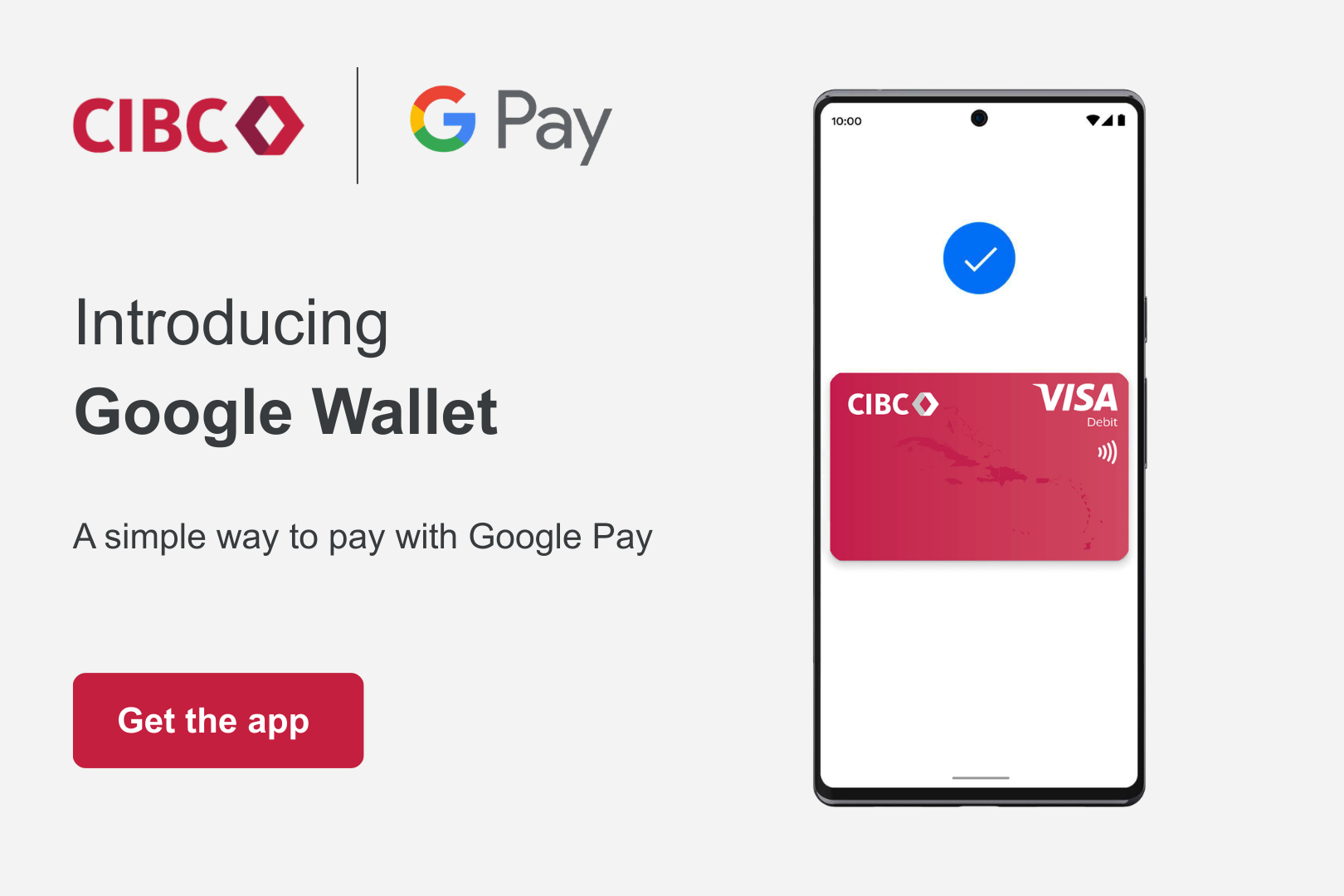
Add your CIBC Caribbean Debit or Credit Card to Google Wallet and tap to pay securely wherever contactless payments are accepted.

Get started

Pay with your phone using Google Pay

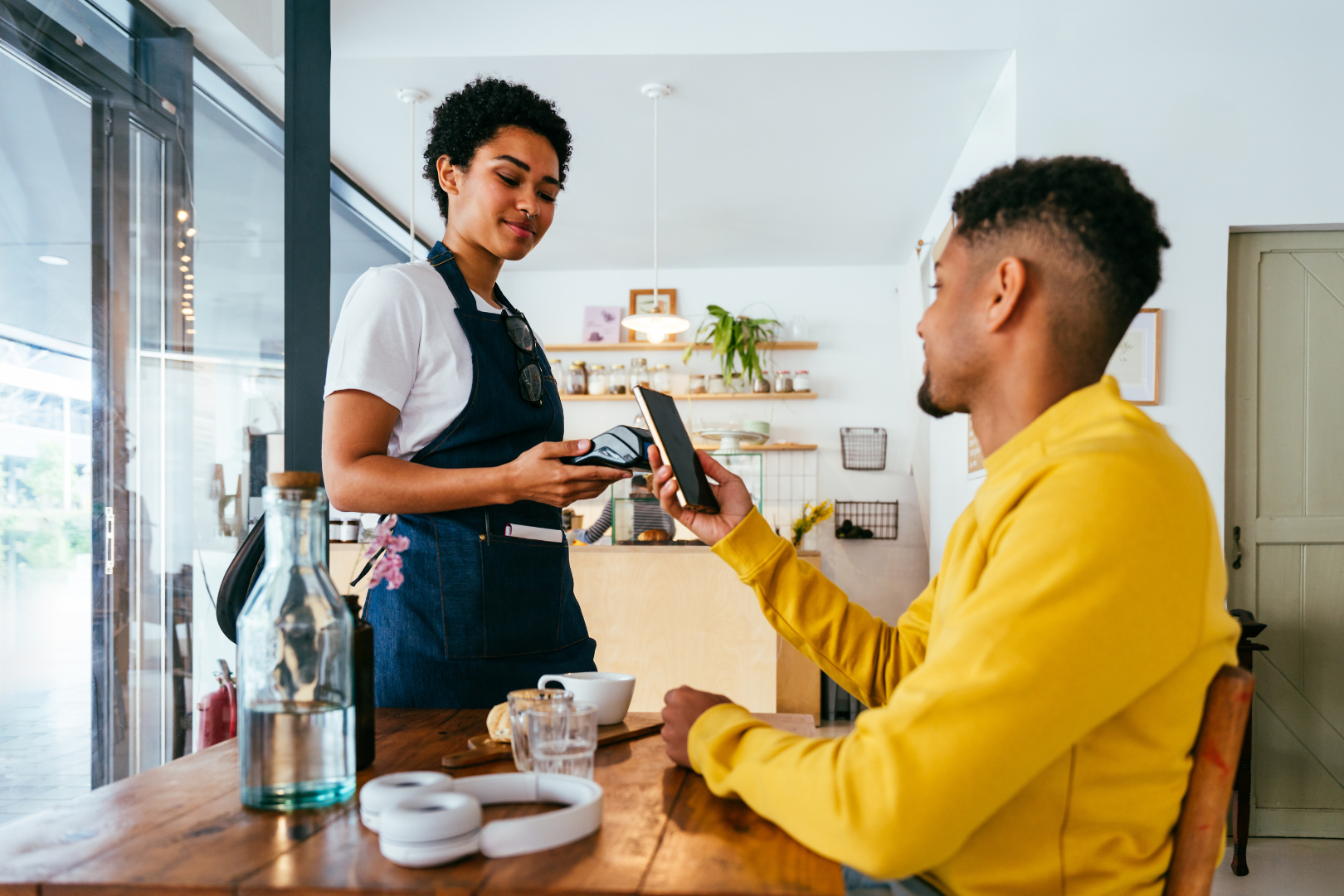
Google Pay lets you make fast, secure, contactless payments using your Android phone or smartwatch. Instead of reaching for your wallet, simply unlock your device and tap to pay at merchants.

Now available for CIBC Caribbean cardholders in Barbados, The Bahamas, Cayman Islands, Jamaica* and Trinidad & Tobago, Google Pay makes everyday purchases easier – whether you’re fueling up, shopping on the go or grabbing coffee.

*Available for CIBC Caribbean Visa and Mastercard Credit Cards only.


Why use Google Pay?

Fast and convenient

Pay in seconds with just your phone.

 Built with security in mind

Your card number is never shared with merchants. Each payment uses a unique digital token designed to help protect your information.

 Accepted anywhere you see the contactless symbol

Use Google Pay at supermarkets, pharmacies, restaurants, gas stations, and more.

 Designed for everyday life

Whether you're running errands or heading out with friends, Google Pay keeps payments simple and seamless.


How to add your CIBC Caribbean Card to Google Wallet


Open the Google Wallet app on your Android device

Tap "Add to Wallet" or the "+" icon

Enter your CIBC Caribbean Visa Debit and Visa and Mastercard Credit details and follow the verification prompts. Once approved, your card is ready to use.


How to Pay with Google Pay

Using Google Pay is simple. Once your CIBC Caribbean card is added to Google Wallet, you can pay in-store, and online in just a few steps.


Pay In-Store

Pay quickly and securely anywhere contactless payments are accepted.


 Unlock your Android Phone

 Hold your phone near the contactless payment terminal

 Wait for the confirmation sound or checkmark. Your payment is complete.

*No need to open the Google Wallet before tapping.

Look for these symbols at checkout.


Pay Online and in Apps

Use Google Pay when shopping online or in participating mobile apps.


 Select Google Pay at checkout

 Confirm your payment using your device security 

 Your payment is processed securely without entering your card details


Google Pay uses secure technology designed to help protect your payment information.


Where can I use Google Pay?

You can use Google Pay wherever contactless payments are accepted, including supermarkets, pharmacies, gas stations, restaurants, and retail locations.

Look for the contactless symbol at checkout.


Is Google Pay secure?

Google Pay uses advanced technology designed to help protect your information. Instead of sharing your actual card number, a unique digital token is used for each transaction. Your device security, such as fingerprint or face unlock, adds another layer of protection.


Eligibility & Device Requirements

Google Pay is currently available for eligible CIBC Caribbean cardholders in:

  • Barbados
  • The Bahamas
  • Cayman Islands
  • Jamaica (Visa and Mastercard Credit cards only)
  • Trinidad & Tobago

To use Google Wallet and Google Pay, you’ll need:

  • An Android device running Android 9.0 or higher
  • The Google Wallet app installed

Ready to Tap to Pay?


Add your CIBC Caribbean Debit or Credit card to Google Wallet and experience a faster way to pay.


Questions on Google Play? Learn more here.


You are now leaving cibccaribbean.com

You have selected a link that will take you to a site maintained by a third party who is solely responsible for its contents.

CIBC Caribbean provides this link as a service to website visitors. CIBC Caribbean is not responsbile for the privacy policy of any third party websites. We encourage you to read the privacy policy of every website you visit.

Click 'cancel' to return to CIBC Caribbean's site or 'continue' to proceed.